TALENT: How do I edit my talent profile?
This article explains how you can use the Profile section of the app to keep your information current for casting directors.
How do I edit my talent profile?
You can update your talent profile at any time from the Profile section of the FastCast app. Changes to your profile are reflected immediately and will be visible to casting directors as soon as they view your page.
To update your profile:
Open the FastCast app and go to the Profile section.

Click the edit icon in the top right.

Select the field you wish to edit.
Enter your updated information.
Save your changes.
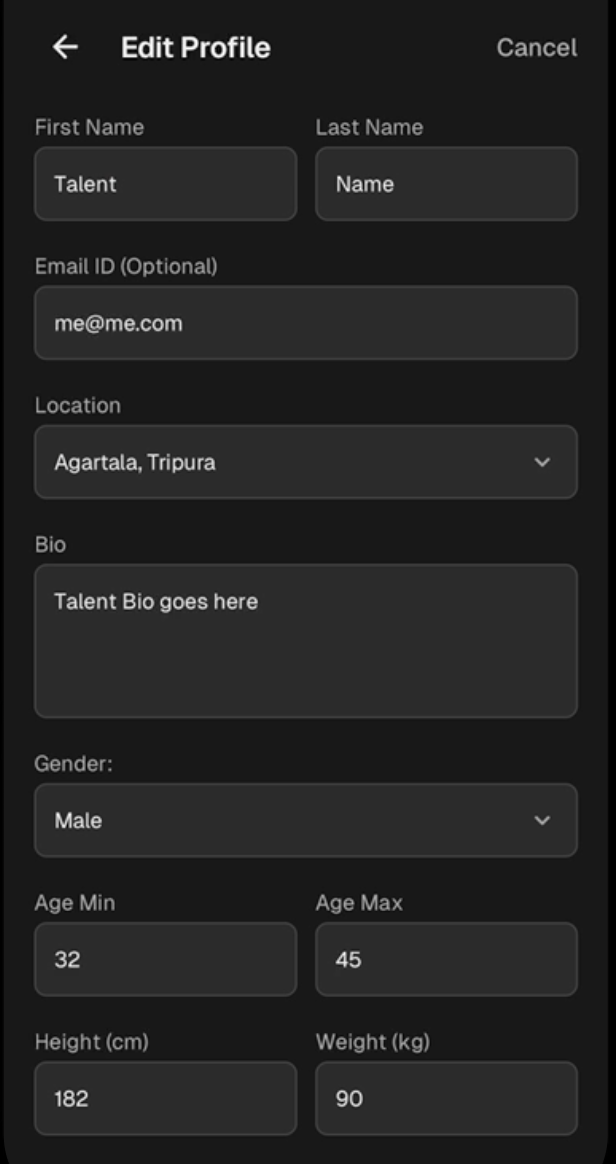
The following fields can be updated on your Edit Profile page:
Name: Your first and last name as shown to casting directors.
Location: Your city, selectable from the list of cities in India.
Age Range: The range of ages you can play in roles.
Skills: Your selected skills and talents.
Languages: Languages you speak or can perform in.
Experience / Bio: A short description of your background and experience.
The following areas can be set and updated on your main profile page:
Social Media Links: Add links to your public social media pages.
Photos: Up to 3 photo slots, swappable at any time.
Videos: Up to 2 video slots (your intro video can occupy one slot), replaceable at any time.
How many photos and videos can I have on my profile?
Your FastCast profile supports a set number of media slots for photos and videos. All media slots are replaceable, so you can swap out content at any time without losing your slot.
Media Type | Number of Slots | Notes |
Photos | 3 slots | All can be swapped at any time |
Videos | 2 slots | Your intro video can occupy one of the two video slots. All slots are replaceable. |
What are the media size limits and formats can I use?
To ensure your media uploads successfully, please check that your files do not exceed the following limits and you are using the correct file types.
Photo: 50MB (each). Accepted file formats are JPG and PNG
Video: 1GB (each). Accepted file formats are MP4 and MOV
How do I crop/ edit my photo?
Once your images are uploaded, you will see editing options in the bottom right of the image.
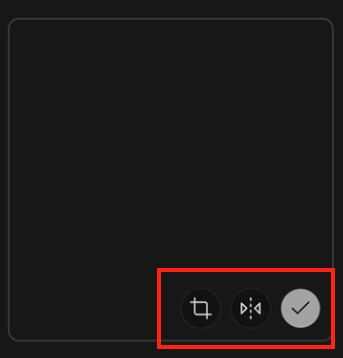
Select the first icon to crop the image.
Select the second icon to flip the image to mirror.
Select the third icon (the checkmark) to save your changes.
What is my profile QR code and how do I use it?
Every talent profile on FastCast has a unique QR code automatically associated with it. This tool allows you to share your professional profile quickly with industry professionals.
How it works:
Find your QR code on your Profile page by selecting the Share button.
Share your profile by downloading the QR Code as a sharable file or using the Copy Profile Link.
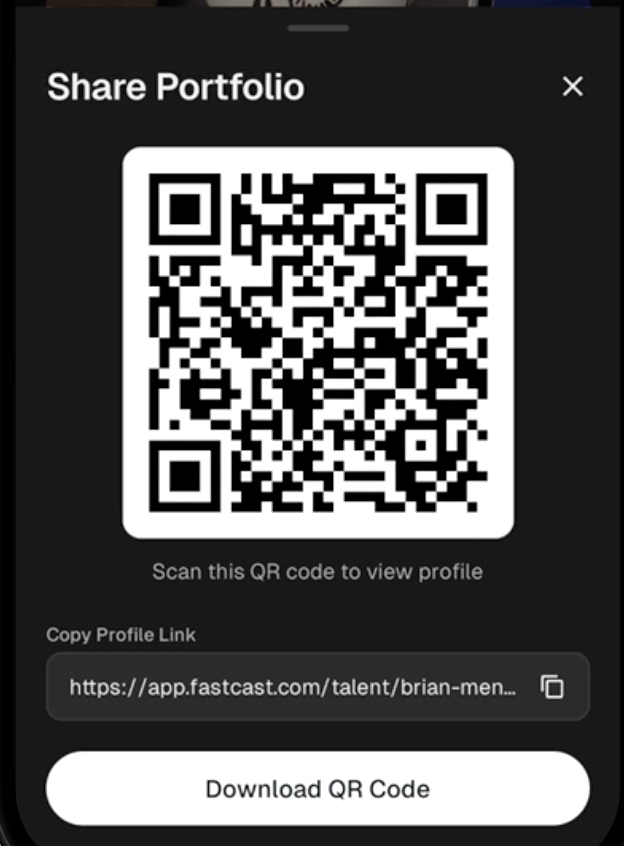
When someone scans the code or opens the link, they are taken directly to your public talent profile in a mobile web browser. No login is required for them to view it.
Note: Your QR code and link are unique to your account and cannot be changed or edited.
Can I hide my phone number or age from casting directors?
FastCast gives you control over the visibility of your personal information on your public profile. However, some information remains visible to casting directors to assist with the hiring process.
Field | Public View (Non-Casting Users) | Casting Director View |
Phone Number | Can be hidden | Always visible |
Age | Can be hidden | Always visible |
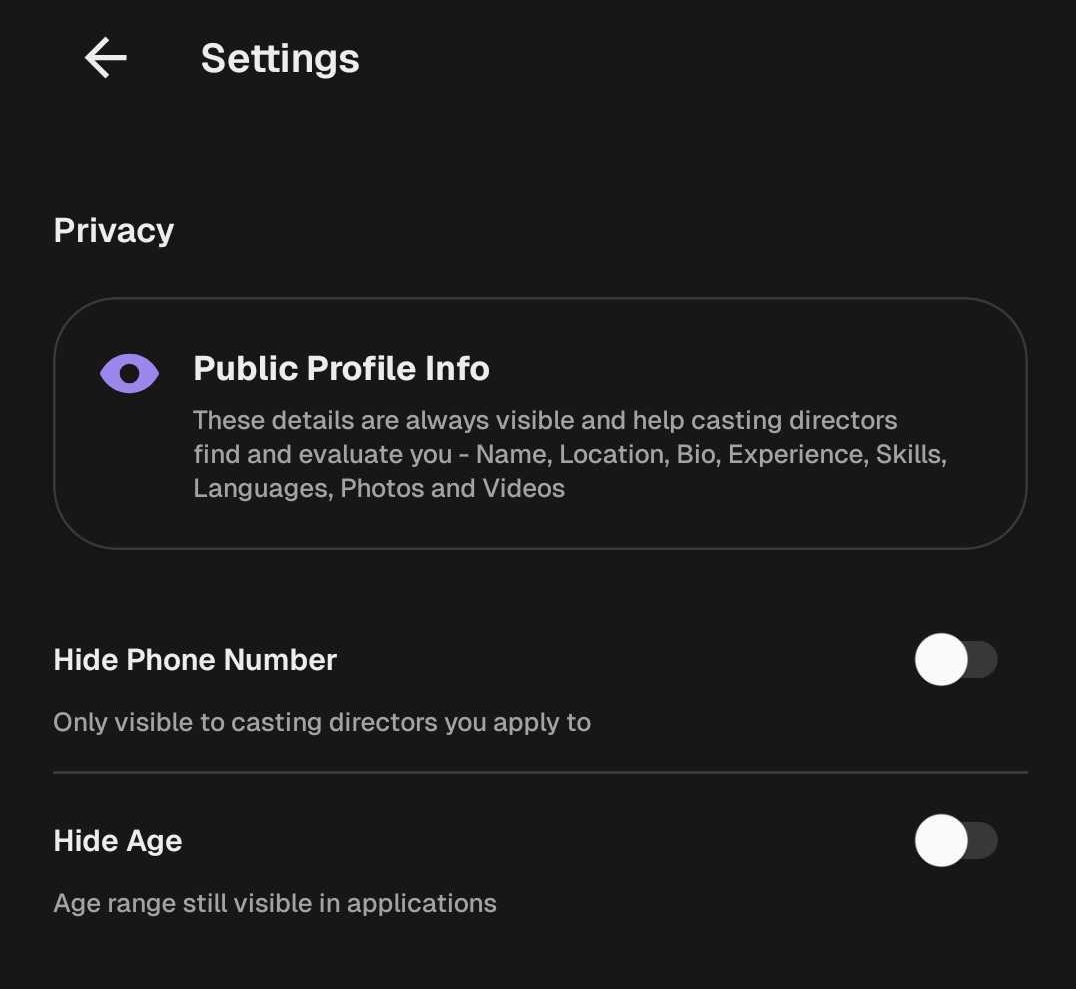
Important: You can toggle these privacy settings from your Profile section. Even if your phone number and age are hidden from the general public, casting directors will always have access to this information when reviewing your profile or submissions.