
TALENT: What is my Inbox and where are my Self-Tape requests?
This article explains how to use your FastCast Inbox to manage direct communication from casting teams, understand the exclusive nature of Private roles, and successfully submit self-tape requests.
What is in my Inbox and what do Private roles mean?
Your Inbox in FastCast is your central hub for direct communication from casting teams. It serves two main purposes:
Self-tape requests — Casting directors can send you a self-tape request directly. These will appear in your inbox with specific instructions and any attachments the casting team has included.
Private role invitations — Sometimes a casting director may invite you specifically to a role marked as Private. Unlike Public roles, these are not visible in the general role feed. Only talent who receive a direct invitation can view and submit to them.
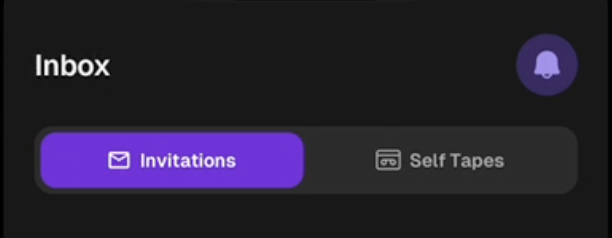
Important: Be sure to check your Inbox regularly so you don’t miss out on these exclusive opportunities!
How do I respond to a self-tape request?
When a casting director wants to see more of your work, they will send a self-tape request directly to your Inbox. Here is how to handle it:
Open your Inbox in the FastCast app.

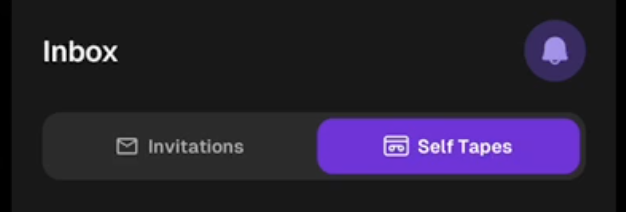
Tap the Self-Tapes tab to view the title, instructions, and any attachments (like scripts or sides) provided by the casting team.
Record your performance or upload your pre-recorded self-tape video. You can upload a maximum of 3 files (this includes photos and videos).
Tap Send to submit your tape.
Helpful Tip: If the casting team updates the self-tape request after you have already responded, don't worry. You will always see the most up-to-date version of the instructions in your inbox. You are welcome to re-submit your tape if the updated guidance changes what they are looking for.